



Wix vs Squarespace: Which Website Builder Is Better in 2026?
Wix gives you total design freedom with a drag-and-drop editor. Squarespace delivers polished, designer-quality templates out of the box. This guide compares pricing, features, ease of use, SEO, and e-commerce so you can pick the right builder for your site.
- Wix is ideal for beginners and anyone who wants full creative control — its drag-and-drop editor lets you place elements anywhere on the page.
- Squarespace is the go-to choice for design-forward websites — its curated templates look professional with minimal effort.
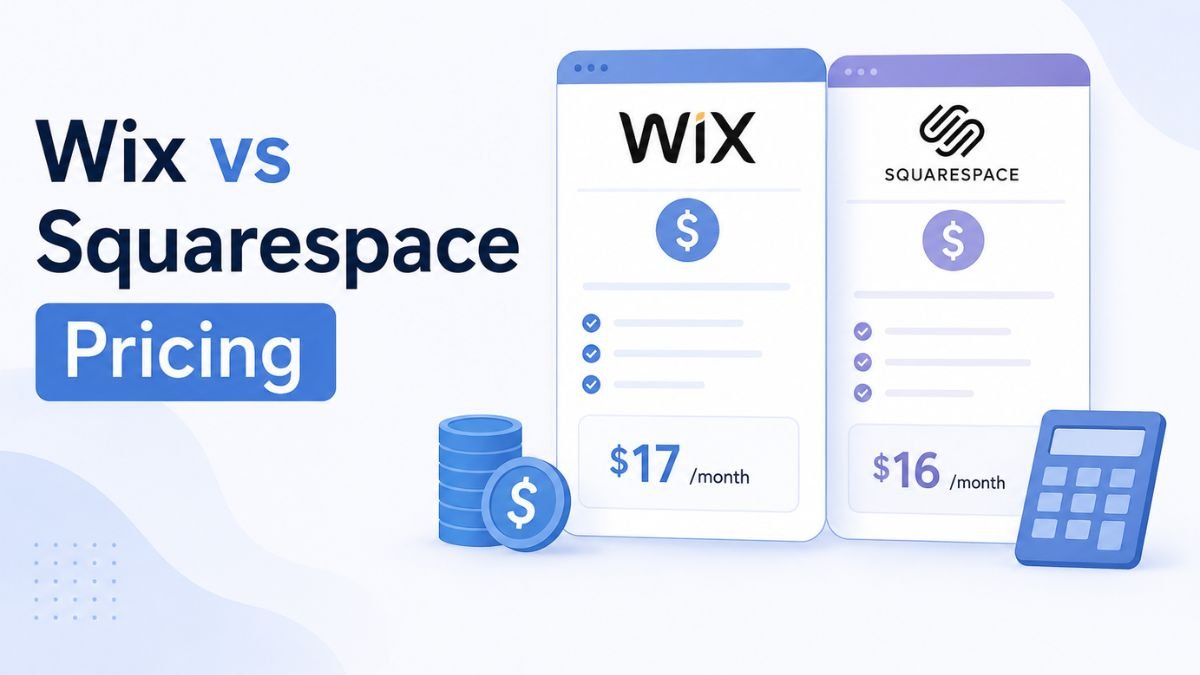
- Wix starts at $17/month (Light plan); Squarespace starts at $16/month (Personal plan), both billed annually.
- Wix offers a free plan (with Wix branding); Squarespace has no free plan but offers a 14-day free trial.
- For e-commerce, Squarespace includes selling tools on every plan; Wix requires a Business plan ($17/month+) for online payments.
- Wix has a larger app marketplace (800+ apps); Squarespace has fewer third-party integrations but tighter built-in features.
The Quick Verdict
If you want maximum flexibility and don’t mind spending time customizing, Wix is your builder. If you want a stunning site fast with less design decision-making, Squarespace gets you there quicker. Both are excellent — the right pick depends on your priorities.
Feature Comparison Table
| Feature | Wix | Squarespace |
|---|---|---|
| Core Strength | Freeform drag-and-drop design flexibility | Designer-quality templates & aesthetics |
| Free Plan | Yes (with Wix branding & ads) | No (14-day free trial only) |
| Starting Price (Annual) | $17/month (Light) | $16/month (Personal) |
| Templates | 900+ templates, fully customizable | 150+ curated, design-forward templates |
| Editor Type | True drag-and-drop (pixel-level control) | Section-based structured editor |
| E-commerce | Available on Business plan ($17/mo+) | Built-in on all plans (transaction fees on Personal) |
| App Marketplace | 800+ third-party apps | ~30 native integrations + extensions |
| AI Tools | Wix ADI (AI site builder) + AI text & image tools | Squarespace AI (text generation, layouts) |
| SEO Tools | Wix SEO Wiz, custom meta, XML sitemap | Clean URLs, built-in SEO panel, auto sitemaps |
| Blogging | Solid blogging features | Superior blog editor with scheduling & categories |
| Customer Support | 24/7 chat & callback support | Email & live chat (limited hours) |
| Best For | Small businesses, portfolios, restaurants, beginners | Creatives, photographers, brands, online stores |
Pricing Comparison
Wix and Squarespace are priced competitively, but their plan structures differ. Wix offers more tiers (including a free plan), while Squarespace bundles more features into fewer plans. Here’s how their paid plans compare on annual billing.
- Free: Wix branding, limited features
- Light — $17/mo: Custom domain, remove ads
- Core — $29/mo: Payments, 50 GB storage
- Business — $36/mo: Full e-commerce, unlimited storage
- Business Elite — $159/mo: Priority support, VIP features
- Personal — $16/mo: Custom domain, SSL, unlimited pages
- Business — $33/mo: E-commerce (3% fee), pop-ups, analytics
- Basic Commerce — $36/mo: No transaction fees, POS
- Advanced Commerce — $65/mo: Subscriptions, abandoned cart recovery
Best Use Cases at a Glance
What Is Wix?
Wix is a cloud-based website builder founded in 2006 that now powers over 250 million websites across 190 countries. Its signature feature is a true drag-and-drop editor that gives you pixel-level control over every element on your page — text, images, buttons, videos, and custom code widgets can be placed anywhere. In 2026, Wix has evolved into a full business platform with AI site generation (Wix ADI), built-in marketing tools, booking systems, and a marketplace of 800+ apps.
Key Features
True drag-and-drop editor with pixel-level element placement. Wix ADI (Artificial Design Intelligence) that generates a complete site from a few questions. 900+ templates across every industry and niche. An app marketplace with 800+ third-party integrations for booking, marketing, chat, and more. Built-in SEO tools including Wix SEO Wiz, custom meta tags, structured data, and automatic XML sitemaps. AI-powered text and image generation tools built directly into the editor. Velo by Wix for advanced developers who want to add custom code.
- Complete design freedom — place any element anywhere on the canvas
- Free plan available to build and test before committing
- Massive app marketplace (800+) for virtually any functionality
- Wix ADI builds a functional site in minutes using AI
- 24/7 customer support via chat and callbacks
- You cannot switch templates after publishing without rebuilding
- Too much freedom can lead to inconsistent, cluttered designs
- Site speed can suffer on heavy pages with many apps installed
- E-commerce features require the Business plan ($36/mo) or higher
- Free plan displays Wix branding ads on your site
Who should use Wix? Small business owners, freelancers, restaurants, and anyone who wants full creative control without writing code. It’s especially popular among beginners who want a generous free plan to experiment with, and businesses that need third-party app integrations for booking, CRM, or email marketing.
What Is Squarespace?
Squarespace is a website builder and hosting platform founded in 2004 that has built its reputation on design quality. It powers millions of websites and is the go-to choice for creatives, photographers, brands, and small businesses that want a polished, professional-looking site without hiring a designer. Unlike Wix’s freeform editor, Squarespace uses a structured, section-based design system that makes it harder to create an ugly site — but also limits how far you can deviate from template layouts.
Key Features
150+ curated, award-winning templates optimized for mobile. A section-based editor that maintains design consistency automatically. Built-in e-commerce on every plan — product pages, inventory management, and checkout included. A powerful blogging engine with scheduling, categories, tags, and AMP support. Squarespace AI for generating text, suggesting layouts, and auto-formatting content. Built-in email campaigns, social media integrations, and analytics dashboard. Domain registration and SSL certificates included on all paid plans.
- Templates are consistently beautiful and mobile-optimized out of the box
- E-commerce tools built into every plan — no plugin hunting
- Superior blogging features with scheduling and rich formatting
- Clean, semantic code structure that performs well for SEO
- All-in-one pricing — hosting, SSL, and domain often bundled
- No free plan — only a 14-day trial to test
- Fewer templates (150+) compared to Wix’s 900+
- Limited third-party app integrations — much smaller marketplace
- Section-based editor restricts freeform design placement
- Personal plan charges 3% transaction fee on e-commerce sales
Who benefits most from Squarespace? Photographers, artists, fashion brands, restaurants with visual menus, and any business where design quality is the first impression. It’s also a strong pick for bloggers and small online stores that want everything built in without managing plugins.
Editor Experience: Wix vs Squarespace
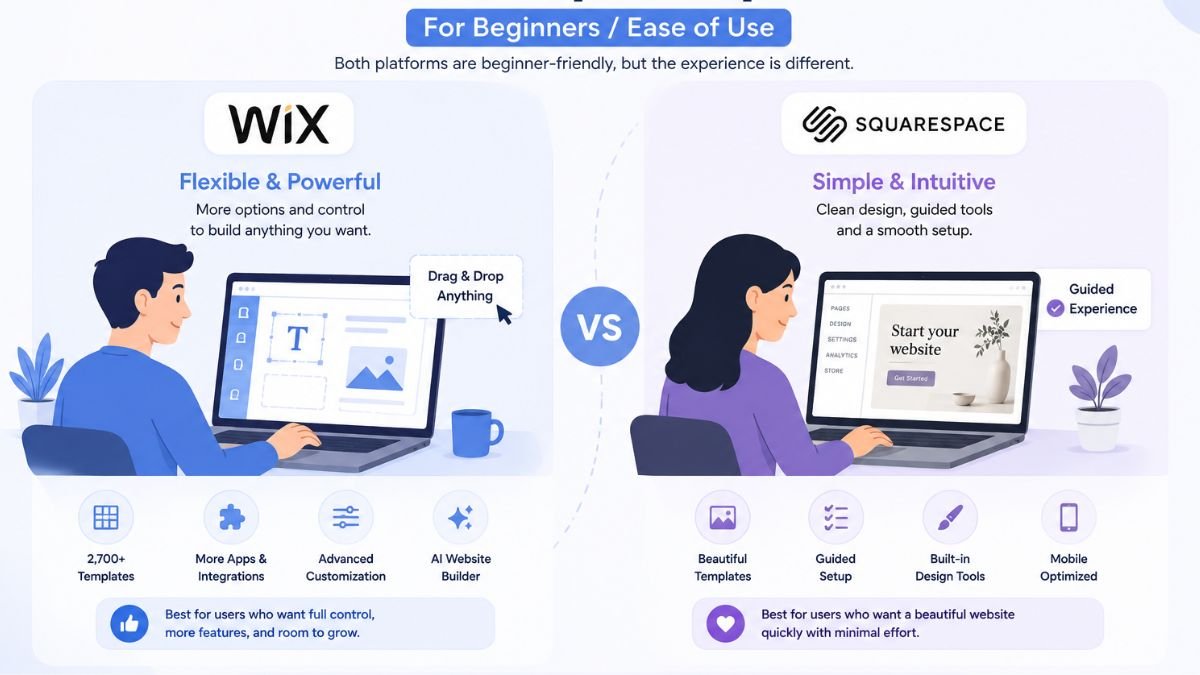
The editor is where these two builders feel most different. Wix hands you a blank canvas — you can drag any element to any position, resize freely, and layer components however you want. This is powerful for custom layouts but means you’re responsible for alignment, spacing, and responsive behavior.
Squarespace takes the opposite approach: its section-based editor snaps content into pre-designed blocks. You choose layouts, fill in content, and adjust styling — but you can’t break the grid. The tradeoff is that Squarespace sites almost always look professional, while Wix sites range from stunning to cluttered depending on the builder’s skill.
Wix vs Squarespace: Head-to-Head Breakdown
Ease of Use
Both platforms are beginner-friendly, but in different ways. Wix’s editor is intuitive — just click and drag. But that freedom can overwhelm new users with too many choices. Squarespace has a slightly steeper initial learning curve, but its structured editor means you’re less likely to make design mistakes.
Design Quality & Templates
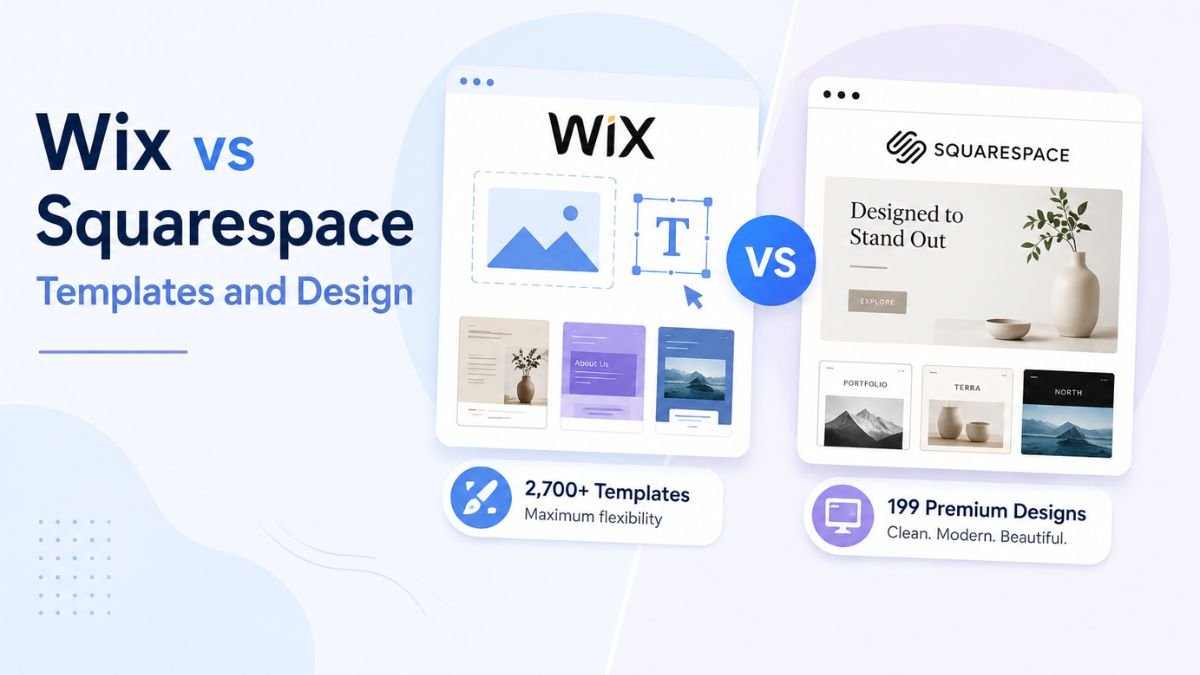
This is Squarespace’s territory. Its 150+ templates are designed by professionals and look polished immediately. Wix has more templates (900+), but quality varies — some are excellent, others feel dated. If consistent visual quality matters more than quantity, Squarespace wins here.
E-commerce
Squarespace includes e-commerce features on all plans — even the $16/month Personal plan lets you sell products (with a 3% transaction fee). Wix requires you to be on the Business plan ($36/month) or higher for full online payment processing. Squarespace’s commerce tools are also more polished, with abandoned cart recovery, subscription products, and real-time shipping calculations on higher tiers.
SEO Features
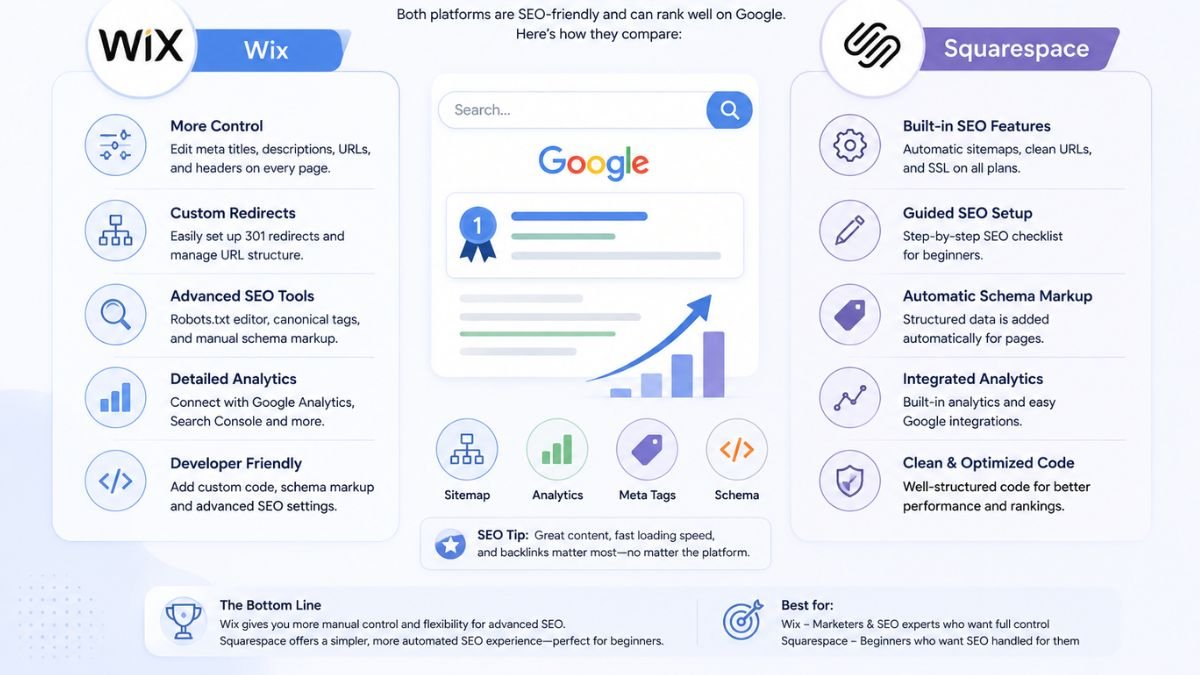
Both builders offer solid SEO fundamentals: custom title tags, meta descriptions, alt text, XML sitemaps, SSL, and mobile-responsive designs. Wix’s SEO Wiz provides a step-by-step checklist for beginners, which is helpful if SEO is new to you. Squarespace generates cleaner URLs by default and has a slightly more streamlined approach to structured data. For most sites, SEO capability is nearly identical between the two.
Blogging
Squarespace was originally built as a blogging platform, and that heritage shows. Its blog editor supports rich text formatting, scheduled posts, multiple authors, categories, tags, and built-in commenting. Wix’s blogging tools work fine for basic posts but lack the depth and polish of Squarespace’s blogging engine.
Apps & Integrations
Wix dominates this category with its App Market offering 800+ third-party integrations — everything from booking engines and CRM tools to live chat widgets and social media feeds. Squarespace has around 30 native integrations and a growing extensions marketplace, but it’s nowhere near Wix’s breadth. If your site needs niche functionality, Wix almost certainly has an app for it.
AI Tools
Wix’s AI tools are more developed in 2026 — Wix ADI can generate an entire website from a few prompts, and the editor includes AI text generation, image creation, and design suggestions. Squarespace AI helps with copywriting and layout suggestions but doesn’t offer full site generation. Both are useful, but Wix is further ahead.
Performance & Speed
Squarespace sites generally load faster out of the box due to its controlled environment — fewer plugins, optimized templates, and consistent code structure. Wix sites can be fast too, but performance degrades if you load up on third-party apps and heavy custom elements. For content-heavy or media-rich sites, Squarespace maintains speed more consistently.
Customer Support
Wix offers 24/7 support via live chat and callback scheduling, plus a comprehensive help center and community forum. Squarespace provides email and live chat support during business hours, along with detailed help articles and video tutorials. For round-the-clock availability, Wix has the edge.
Category Scorecard
| Category | Winner | Why |
|---|---|---|
| Ease of Use | Wix | Lower barrier, intuitive drag-and-drop |
| Design Quality | Squarespace | Curated, professional templates |
| E-commerce | Squarespace | Built into every plan |
| SEO | Draw | Both cover fundamentals well |
| Blogging | Squarespace | Richer blog editor & scheduling |
| Apps & Integrations | Wix | 800+ apps vs ~30 integrations |
| AI Tools | Wix | Full AI site builder + editor tools |
| Performance | Squarespace | Faster out of the box |
| Customer Support | Wix | 24/7 availability |
| Free Plan | Wix | Free tier available; Squarespace is trial only |
Wix vs Squarespace for E-commerce
E-commerce Breakdown
Squarespace includes selling tools on all plans. Even the $16/month Personal plan supports product listings and checkout (3% fee). The $36/month Basic Commerce plan removes transaction fees and adds POS, while Advanced Commerce ($65/month) unlocks subscriptions and abandoned cart recovery.
Wix requires the Business plan ($36/month) for online payments without Wix ads. It integrates with multiple payment gateways and offers 800+ e-commerce apps, but the core selling tools aren’t as polished as Squarespace’s.
Bottom line: For a dedicated online store, Squarespace offers a more complete and lower-cost entry point. For a business site that also sells a few products, Wix’s flexibility may be more practical.
Wix vs Squarespace for Blogging
Squarespace was born as a blogging tool, and that pedigree still shows. Its blog editor supports multi-author workflows, scheduled publishing, rich media embedding, podcast hosting, and built-in commenting. Categories and tags are well-organized, and posts integrate seamlessly with the site’s overall design.
Wix’s blog features cover the basics — posts, categories, SEO settings — and work well for standard business blogs. However, it lacks the editorial depth, scheduling flexibility, and design integration that make Squarespace the preferred choice for content-driven sites.
Wix vs Squarespace for SEO
Both platforms provide the SEO fundamentals you need: custom title tags and meta descriptions, image alt text, 301 redirects, SSL certificates, mobile-responsive designs, and XML sitemaps. Wix’s SEO Wiz gives beginners a step-by-step optimization checklist. Squarespace generates cleaner URL structures by default and handles canonical tags well.
In practice, neither platform will hold you back on SEO. The difference comes down to execution — your content strategy, site structure, and optimization effort matter far more than which builder you choose.
Which Website Builder Should You Choose?
Frequently Asked Questions
Is Wix better than Squarespace?
Is Squarespace better than Wix?
Can I switch from Wix to Squarespace (or vice versa)?
Which is cheaper — Wix or Squarespace?
Which website builder is better for SEO?
Does Squarespace have a free plan?
Which is better for an online store?
Final Verdict: Wix vs Squarespace in 2026
There’s no universal winner — Wix is best for people who want creative freedom and flexibility, while Squarespace is best for those who want polished design and built-in features.
Choose Wix if you want full drag-and-drop control, a free starting point, AI site building, and 800+ app integrations. Choose Squarespace if you want consistently beautiful templates, built-in e-commerce, a powerful blog editor, and a more streamlined experience. Both are excellent builders — the right one is the one that matches how you want to build.
Last Updated on: September 25, 2026
Leave A Comment